
MAXScribe Edit Self-Study
Learn how to use MAXScribe Edit to turn AI-generated legal transcript rough drafts into accurate, professionally formatted transcripts—a specialized skill used in remote legal transcript editing work. This comprehensive self-study training can be completed in three to six weeks, depending on the student.
Pictured are some of the students Linda Wilson has trained to use MAXScribe editing software.
Learn to Transcribe Academy is a Stenograph Education Network school partner providing professional training in MAXScribe legal transcript editing. Stenograph publicly announced its partnership with Learn to Transcribe Academy in 2023.
AI Can Create the Rough Draft. A Trained Human Editor Finishes the Transcript.
MAXScribe can create a useful initial rough draft, but the quality varies with the recording and proceeding.
Instead of typing the entire proceeding from scratch, the editor begins with an AI-generated rough draft and focuses on listening, correcting, formatting, and completing the transcript.
A trained human editor listens against the audio, identifies speakers, restores omitted content, corrects recognition errors and inconsistencies, applies proper punctuation and legal formatting, and prepares the transcript for final review.
The technology creates the rough draft; the editor provides the judgment and attention to detail needed to turn it into a professional legal transcript.
Why MAXScribe?
1. Legal-Specific ASR
MAXScribe uses automatic speech recognition (ASR) designed for legal terminology and courtroom speech to create an initial rough draft from audio.
2. Synchronized Transcript and Audio
Audio playback is linked to the rough draft, making it easier to verify testimony and correct recognition errors efficiently.
3. Efficient Built-In Legal Formatting
MAXScribe includes extensive built-in formatting tools designed specifically for legal transcripts, allowing editors to format documents much more efficiently than in Microsoft Word.
4. RealTeam Collaboration
Through RealTeam, multiple editors and proofreaders can work inside the same MAXScribe file at the same time. This is often done while the file is streaming live from the proceeding, but it can also be done after the live session has ended.
5. Professional Export
Export completed transcripts in a consistent, professional format for final review and delivery.
Your Instructor
Linda Wilson, CCR, is a licensed and certified stenographic court reporter with more than 40 years of experience in the legal profession and the founder of Learn to Transcribe Academy. She has trained students to edit legal transcripts in MAXScribe and brings real-world court reporting knowledge to every lecture.

Who Might Want to Take This Training?
- MAXScribe Edit Self-Study is designed for experienced legal transcriptionists who want to add AI-assisted editing to their skills, as well as motivated beginners with a high school education and strong English skills who are willing to learn legal punctuation, formatting, and transcript production.
- This work is completed independently from a home office, with editors responsible for meeting accuracy standards and deadlines. Some editors accept assignments from one company, while others work as independent contractors for multiple court reporting firms or individual reporters and gradually build their own home-based legal transcript editing business. Exact working arrangements vary by company.
- Some employers may require U.S. citizenship.
- Graduates may submit this course to AAERT for 4.0 CEUs.
- For a tour of the software and an overview of the course curriculum, please enroll in our free course "MAXScribe Edit Introduction."
Where MAXScribe Skills Are Used
- Digital reporting agencies
- Court reporting firms
- Individual court reporters
- Legal transcription services
- AI-assisted transcript production environments

Downloadable Resources
Downloadable guides and reference materials to build your personal MAXScribe study guide.

Six Months of Software Access
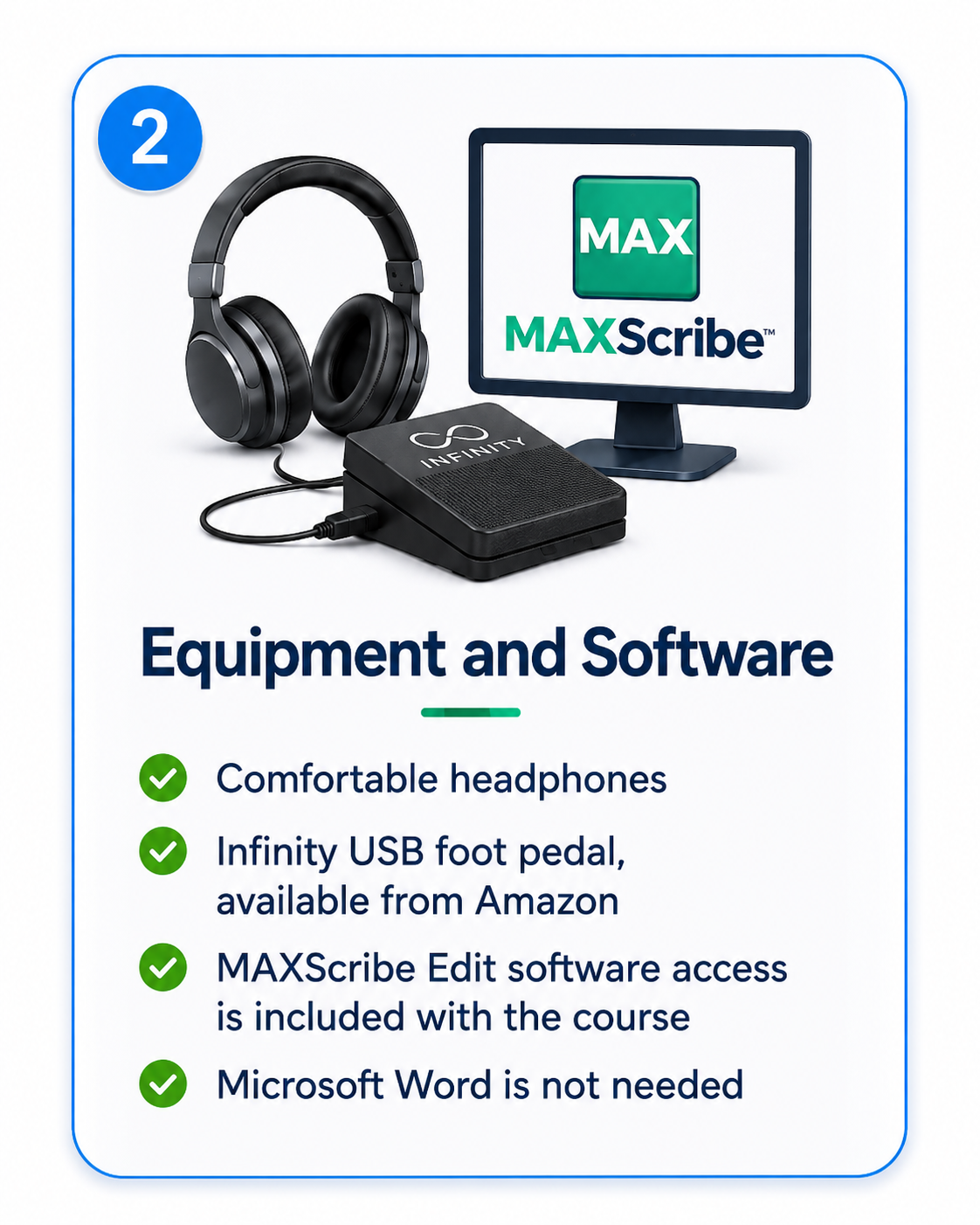
Receive MAXScribe Edit access at no charge for six months after Stenograph issues your PKC.

Punctuation and Formatting
Learn and review punctuation and formatting conventions used in litigation transcripts.

Step-by-Step Video Training
Follow detailed videos demonstrating the MAXScribe features and functions taught throughout the course.

Train and Edit From Home
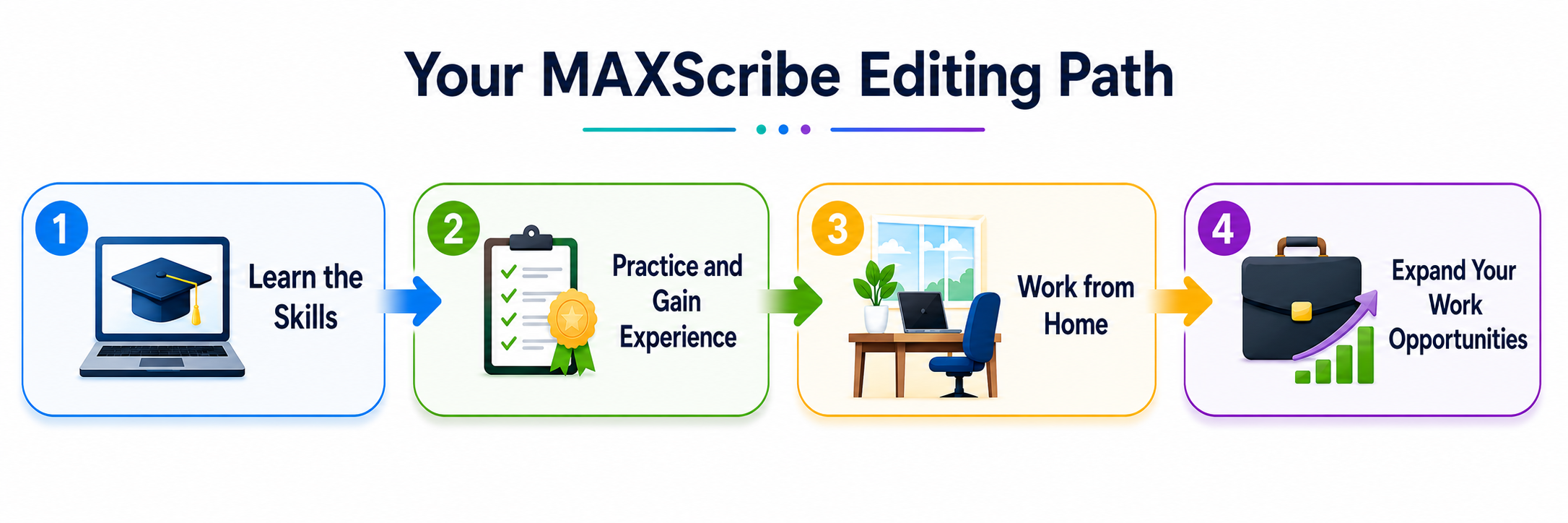
Complete the self-study training online and gain the skills to edit MAXScribe legal transcript rough drafts from home.

Certificate of Completion
Earn a certificate after successfully completing the training and demonstrating your MAXScribe editing skills.
A Guided Approach for Learners New to CAT Software
Stenograph’s free MAXScribe videos are valuable, particularly for users who already have experience with computer-aided transcription (CAT) software.
However, this course (MAXScribe Edit Self-Study) is designed for learners who are new to CAT software and want a more guided approach.
The course includes detailed instruction; step-by-step demonstrations; ten hands-on transcript editing practice files; personalized feedback and course support; instruction in punctuation, legal terminology, legal transcript formatting; downloadable resources; and a certificate of completion for graduates who pass the final examination.
What You'll Need

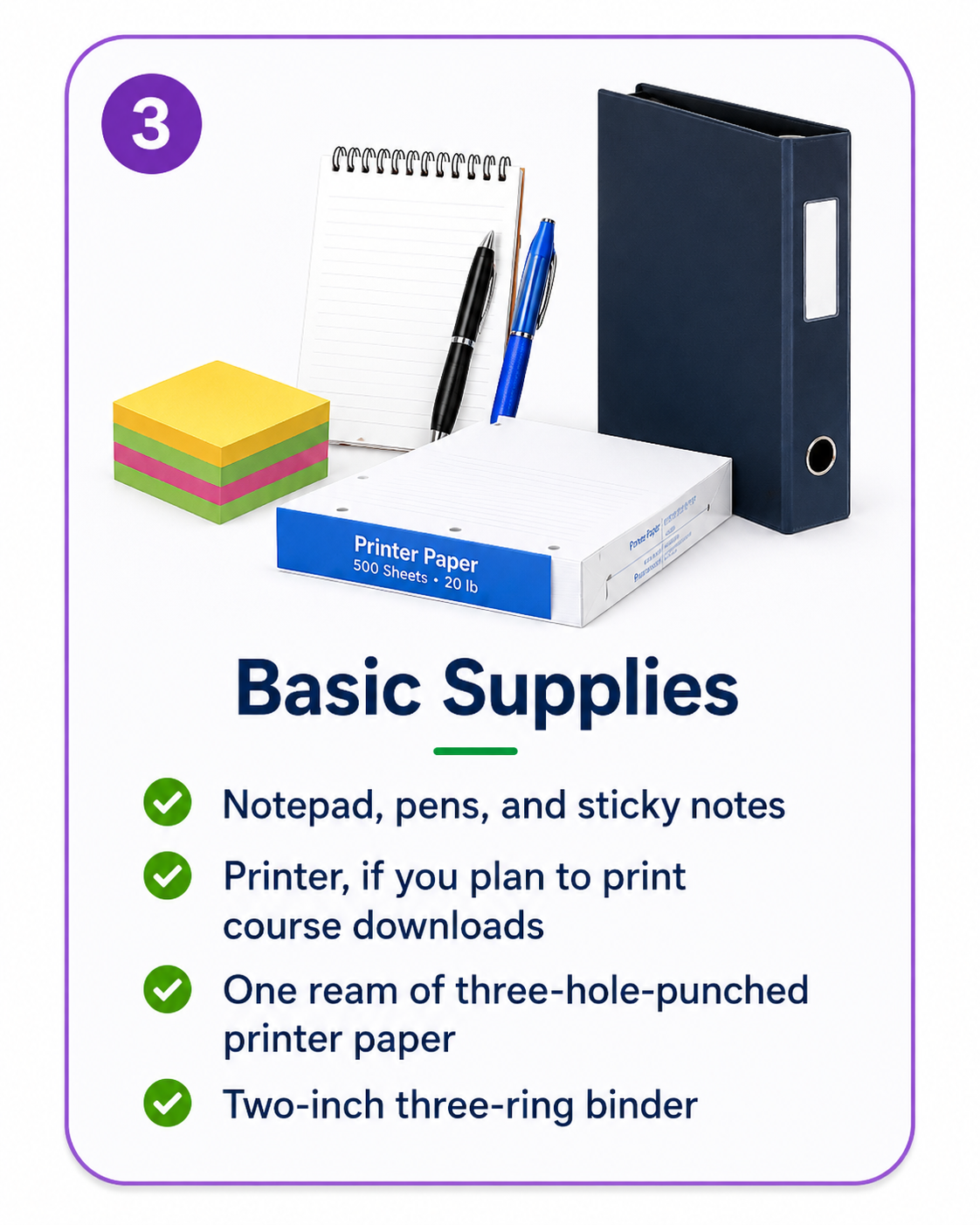
Curriculum
- Instructions
- Lecture 1: Overview
- Lecture 2: Test Your Punctuation
- Lecture 3: Test Your Vocabulary
- Lecture 4: Test Your Spelling
- Lecture 5: Test Your Grammar
- Lecture 6: Commas
- Lecture 6A: FANBOYS (9:40)
- Lecture 7: Oxford Comma
- Lecture 8: Colons
- Lecture 8A: List With Colon or Not (16:34)
- Lecture 9: Semicolons
- Lecture 10: Quotes and Italics
- Lecture 11: Continuous Quoting
- Lecture 12: Hyphens and Dashes
- Lecture 13: Parentheses
- Lecture 14: Appositives
- Lecture 15: Ellipsis
- Lecture 16: Brackets
- Lecture 17: Plurals and Apostrophes
- Lecture 18: Yes/No Answers
- Lecture 19: Run-on Sentences
- Lecture 20: Paragraphing
- Lecture 21: Capitalization
- Lecture 22: Prefixes and Suffixes
- Lecture 23: Verb Phrases
- Lecture 24: Numbers and Miscellaneous
- Lecture 24A: Slash/Slant
- Quiz
- Information Sheet (Metadata)
- Information Sheet (PDF)
- Resize Dialog Boxes (2:47)
- Break a File (4:08)
- Append a File (2:41)
- Auto Archive (10:15)
- Brackets for [sic] etc. (4:32)
- Laptop Function Keys
- F4 Key Shortcuts (Default Keyboard)
- Control Key Shortcuts (Default Keyboard)
- Core List (3:33)
- Capping - Practice (5:27)
- Uncapping - Practice (6:04)
- Quoting a Statute (11:44)
- Suppress Page Number (2:04)
Frequently Asked Questions
Is there work available for trained MAXScribe editors? Yes. Court reporting firms, digital reporting agencies, legal transcription companies, and individual court reporters hire MAXScribe editors. Employment and assignment availability vary and are not guaranteed.
Does AI editing pay enough to make the work worthwhile? Yes, it definitely can. Because a trained editor can complete more pages than by manually typing from scratch, the increased speed and efficiency can improve earning potential.
Why learn MAXScribe if some software companies provide their own Word-based editing platform? MAXScribe is a complete legal transcript-production system with its own speech engine, synchronized audio, specialized editing and formatting tools, and RealTeam collaboration. RealTeam allows multiple editors or proofreaders to work in the same transcript simultaneously.